


Decoding Proximity Cards: Identify Frequency, Format, Facility Code, and Card Number for Seamless Replacements and Add-ons
Proximity cards are essential components of access control systems, providing secure, contactless authentication. However, identifying the specifics of an unknown proximity card—such as its frequency, format, facility code, and card number—can be challenging, especially when documentation is unavailable. This is a big roadblock preventing companies, schools, and institutions from ordering new cards with sure confidence.
This blog post will guide you through the process of identifying these details, using simple tools and advanced solutions like the RexID Decoder System.
Step 1: Determine the Card’s Frequency
The frequency of a proximity card determines its compatibility with access control readers. Cards typically operate on either low-frequency (125kHz) or high-frequency (13.56MHz). You won’t be able to tell their difference by simply looking at them without an aid. However, if you ordered the unmatching frequency cards, they won’t work with your system. Therefore, it is essential that you find out the frequency of your proximity cards.
To identify the frequency, follow these methods:
Method 1: Visual Inspection
Use your phone's flashlight to illuminate the card from the back side and observe the internal coil structure:
Thick Coil: Indicates a low-frequency (125kHz) card.
Thin Coil: Suggests a high-frequency (13.56MHz) card.
Method 2: NFC TagInfo App
Download the "NFC TagInfo" app by NXP, a leading manufacturer of high-frequency chips. Here’s how to use it:
1. Place the card against your phone’s NFC detection area.
2. Open the app and initiate a scan.
If the app detects the card: It is a high-frequency (13.56MHz) card.
If no response: The card is likely low-frequency (125kHz) or may not contain a chip.
Step 2: Identify the Card’s Format, Facility Code, and Card Number
If the card is low-frequency (125kHz), understanding its format, facility code, and card number requires specialized tools. This is where the RexID Proximity Card Decoder excels.
Why Knowing the Format and Facility Code Matters
Card Format: Determines how data is structured and read by access control systems.
Facility Code: Acts as a site-specific identifier, ensuring compatibility within a system.
Card Number: Uniquely identifies an individual card.
Using the RexID Decoder System
The RexID Proximity Card Decoder offers a seamless solution to identify these details:
Connect the Device: Plug the USB-powered decoder into your computer.
Place the Card: Position the proximity card on the decoder.
Retrieve Information: Using its cloud-based software, the decoder:
Identifies the card’s frequency.
Extracts its format, facility code, and card number in seconds.
With RexID, there’s no need for guesswork or sending cards to external services for analysis. It supports 90% of proximity card formats globally, and its adaptability allows users to add new formats through manual analysis with just a few clicks.
Real-World Benefits of Decoding Proximity Cards
Understanding the specifics of your proximity cards can:
Prevent costly replacements of readers and cards.
Enable seamless ordering of compatible replacement cards.
Reduce downtime and streamline access control system management.
Identifying the frequency, format, facility code, and card number of a proximity card is no longer a daunting task. With simple methods like visual inspection and apps like NFC TagInfo, you can quickly determine the card’s frequency. For a comprehensive analysis of low-frequency cards, the RexID Proximity Card Decoder provides a revolutionary solution, saving time, effort, and money.
Equip your access control system with the knowledge and tools it needs to stay efficient and secure. For more information on the RexID Decoder System, visit our website or contact us today!

Winker Wang
Owner of RexID, a division of Freevision Technologies, has over 23 years of experience in the RFID industry. He has been instrumental in advancing 125KHz,13.56MHz, and UHF RFID technologies worldwide. With a relentless drive for innovation, Winker shares insights on RFID security, credential advancements, and access control.
Featured Products
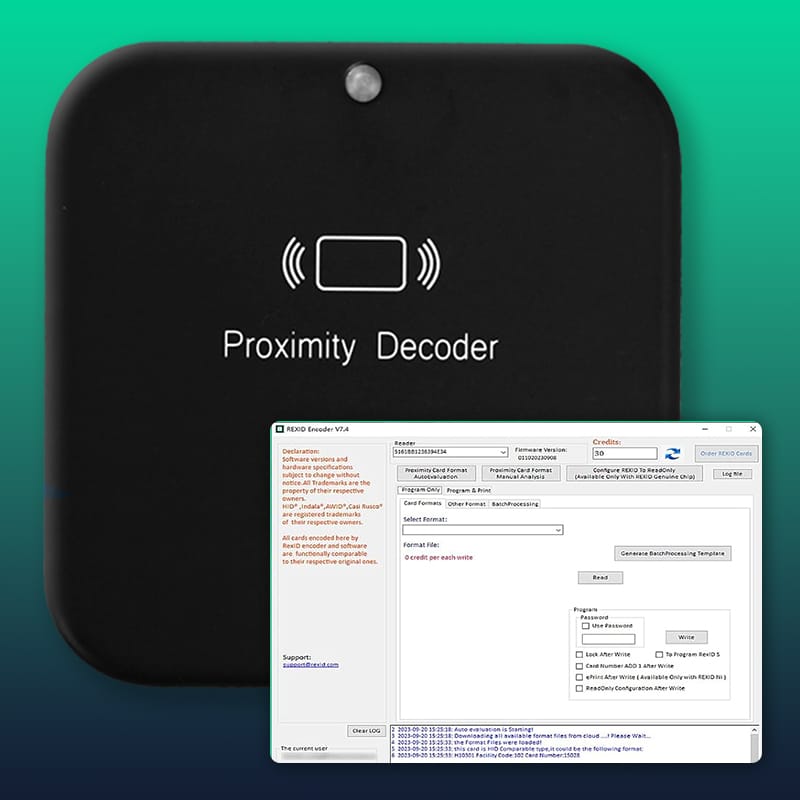
RFID Decoder
Decode & encode 125 kHz RFID credentials for ISO cards, clamshell cards, & fobs.
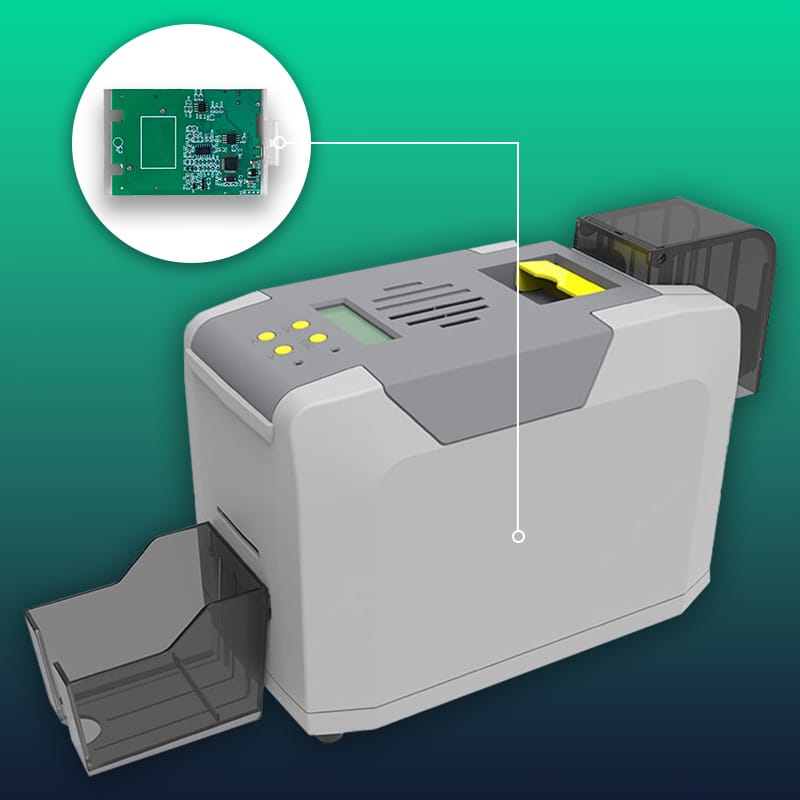
Custom Encoding
Encode & print ISO cards on demand in 60+ formats with facility code & card numbers.
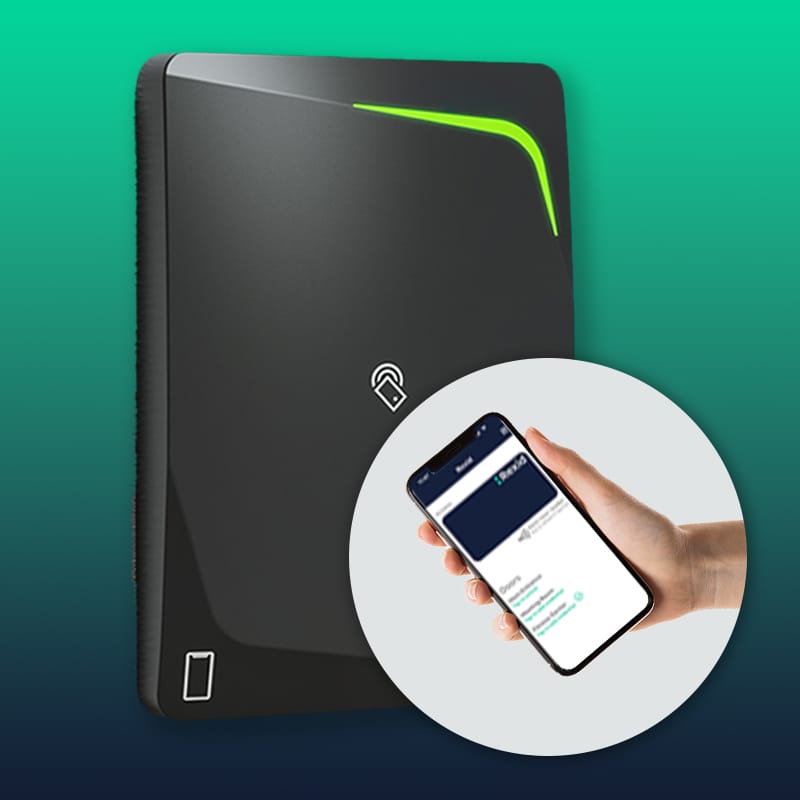
Gateway Reader
Upgrade 125 kHz systems to mobile-friendly access with no downtime & added security.
Stay Updated & Save
Get new releases and exclusive discounts delivered to you!
Recent Posts
Stay Connected


Elevate Tour Brand Quotient
Follow Us On


Contact
FREEVISION TECHNOLOGIES CORP.


10080 N Wolfe Road, Ste. SW3-200,
Cupertino, CA 95014
© 2026 Rexid, All Rights Reserved.
Elevate Tour Brand Quotient
Follow Us On
Contact
FREEVISION TECHNOLOGIES CORP.
10080 N Wolfe Road, Ste. SW3-200,
Cupertino, CA 95014
© 2026 Rexid, All Rights Reserved.
Elevate Your Brand Quotient
Follow Us On
Contact
FREEVISION TECHNOLOGIES CORP.
10080 N Wolfe Road, Ste. SW3-200,
Cupertino, CA 95014
© 2026 Rexid, All Rights Reserved.